How to Design a Business Workflow Before Coding
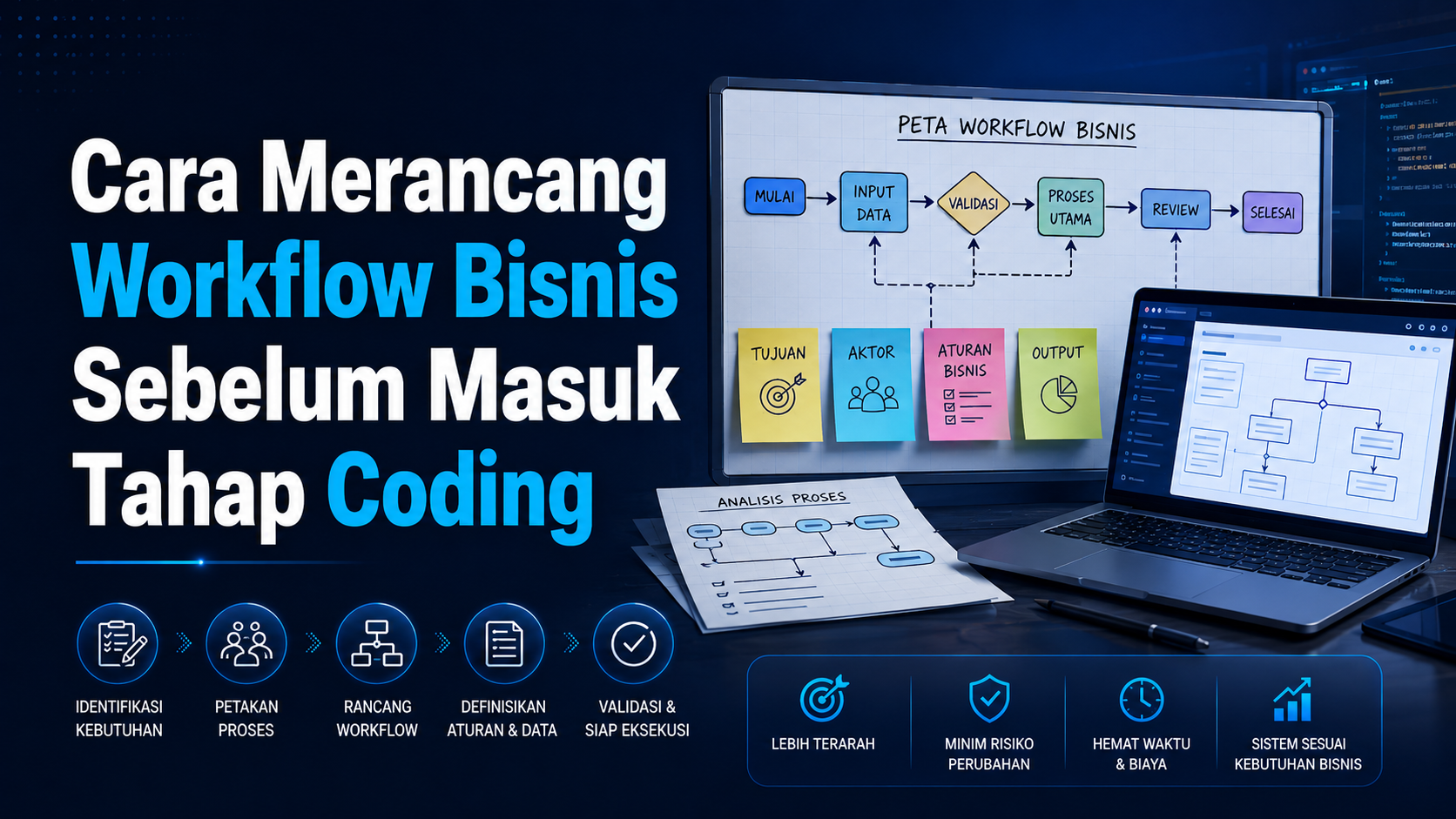
Coding too early often creates a system that looks complete but does not match how the business works. Workflow mapping helps clients and developers agree on who does what, which data changes, and when a process is complete.
1. Start with the Problem
Write down the process that is slow, error-prone, or dependent on one person. Do not begin with a feature list. Features should answer a problem that has already been understood.
2. Define the Actors
- Customers or prospects.
- Admin and customer service.
- Owner or manager.
- Operations, finance, or warehouse staff.
- External systems such as payment gateways and WhatsApp API.
3. Map the Current Flow
Document the trigger, steps, tools, input data, decisions, and output. Mark tasks that are manual, repeated, or do not have a clear owner.
4. Define Status and Rules
Status makes a process trackable. A lead might be New, Follow Up, Prospect, Proposal, Closing, or Not Proceeding. Define who can change status and which data is required.
5. Discuss Exceptions
Systems must handle more than ideal conditions. Discuss failed payments, duplicate data, cancellations, incorrect input, unavailable stock, and integrations that do not respond.
6. Create Wireframes and a Blueprint
Wireframes show page structure and information priority. A blueprint summarizes features, database, roles, integrations, scope, timeline, boundaries, and completion criteria.
7. Prioritize the MVP
Choose one main workflow that must work from start to finish. Supporting features can be added after users test the system and provide real usage data.
Conclusion
A clear workflow reduces assumptions, revisions, and unused features. Design approval and a blueprint before coding make development more focused and testable.
Is Your Business Process Still Messy?
Start with discovery and workflow mapping before choosing technology.
View SONAQO ProcessDiscuss Workflow