Website Maintenance: Backups, Security, and Regular Updates
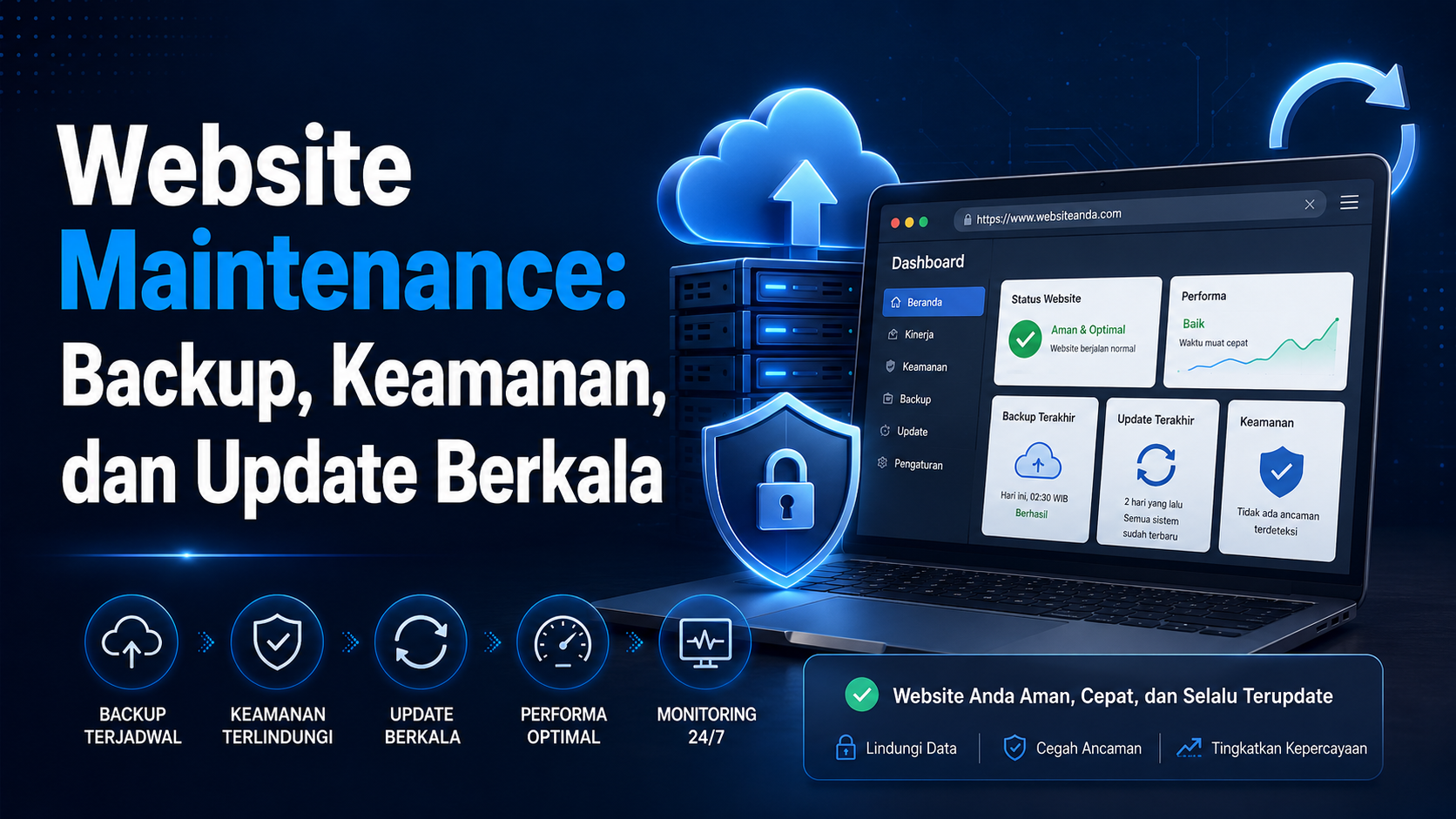
A website is not finished when it goes online. Domains expire, forms stop sending email, software becomes outdated, and backups sometimes cannot be restored. Maintenance keeps the website working as a business asset.
1. Recoverable Backups
Back up files and databases to a location separate from the main hosting. A backup is only useful when the restore process has been tested. Set frequency based on how often the data changes.
2. Basic Security
- Use unique passwords and additional authentication when available.
- Limit admin access to people who need it.
- Do not store API keys in public files.
- Use HTTPS and renew certificates.
- Review logs and unusual activity.
3. Technical Updates
CMS platforms, plugins, dependencies, PHP, and libraries need planned updates. Back up before major changes and test core functions afterward.
4. Functional Checks
- Contact forms and email notifications.
- WhatsApp buttons, CTAs, and navigation links.
- Desktop and mobile layouts.
- Error pages and redirects.
- Analytics, API, and payment integrations.
5. Content and SEO
Update services, portfolios, contact details, metadata, sitemap entries, and internal links. Outdated information can reduce trust even when the visual design still looks modern.
A Simple Schedule
Check forms and uptime weekly, run backups and content reviews monthly, then audit security, performance, domains, and feature needs every quarter. Transaction-heavy websites may need more frequent checks.
Conclusion
Maintenance is part of website operations. Backups, security, updates, monitoring, and content reviews keep the website ready to support the business.
Is Your Website Online but Unmaintained?
SONAQO can help review structure, functions, and maintenance needs.
Discuss MaintenanceRead Website Checklist